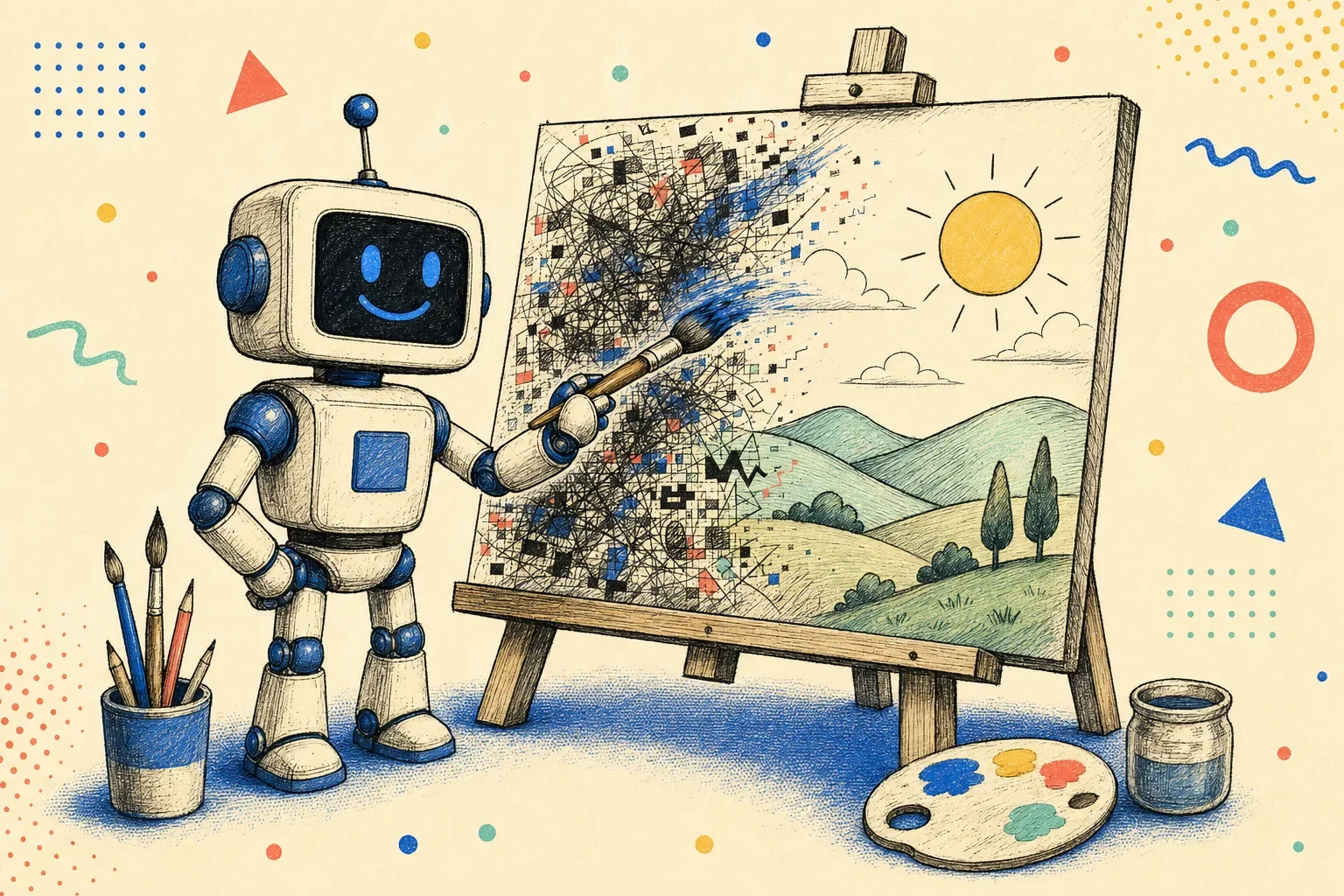
Most AI image tools have the same problem: you ask for one thing and get a confident, glossy version of something adjacent. The text is misspelled. The brand colors are close-but-wrong. And the fix everyone reaches for is stacking magic words — "8K, ultra-detailed, masterpiece, professional" — which the current models either ignore or actively hold against you.
pixeltamer is image generation that actually does what you asked. It runs on OpenAI's GPT Image models — defaulting to gpt-image-2.5-flare as of v0.6.0, with gpt-image-2 still one environment variable away — drops the old-model incantations, and quotes the exact text you want rendered so it comes out spelled right. It's the tool I use to draw every hero, mockup, and piece of brand art I ship — including the illustrations across this very site. It's agent-agnostic, too: anything that reads SKILL.md can drive it — Claude Code, Codex, Pi, Cursor, OpenCode, and friends.
No API key? Good. Bring your ChatGPT subscription.
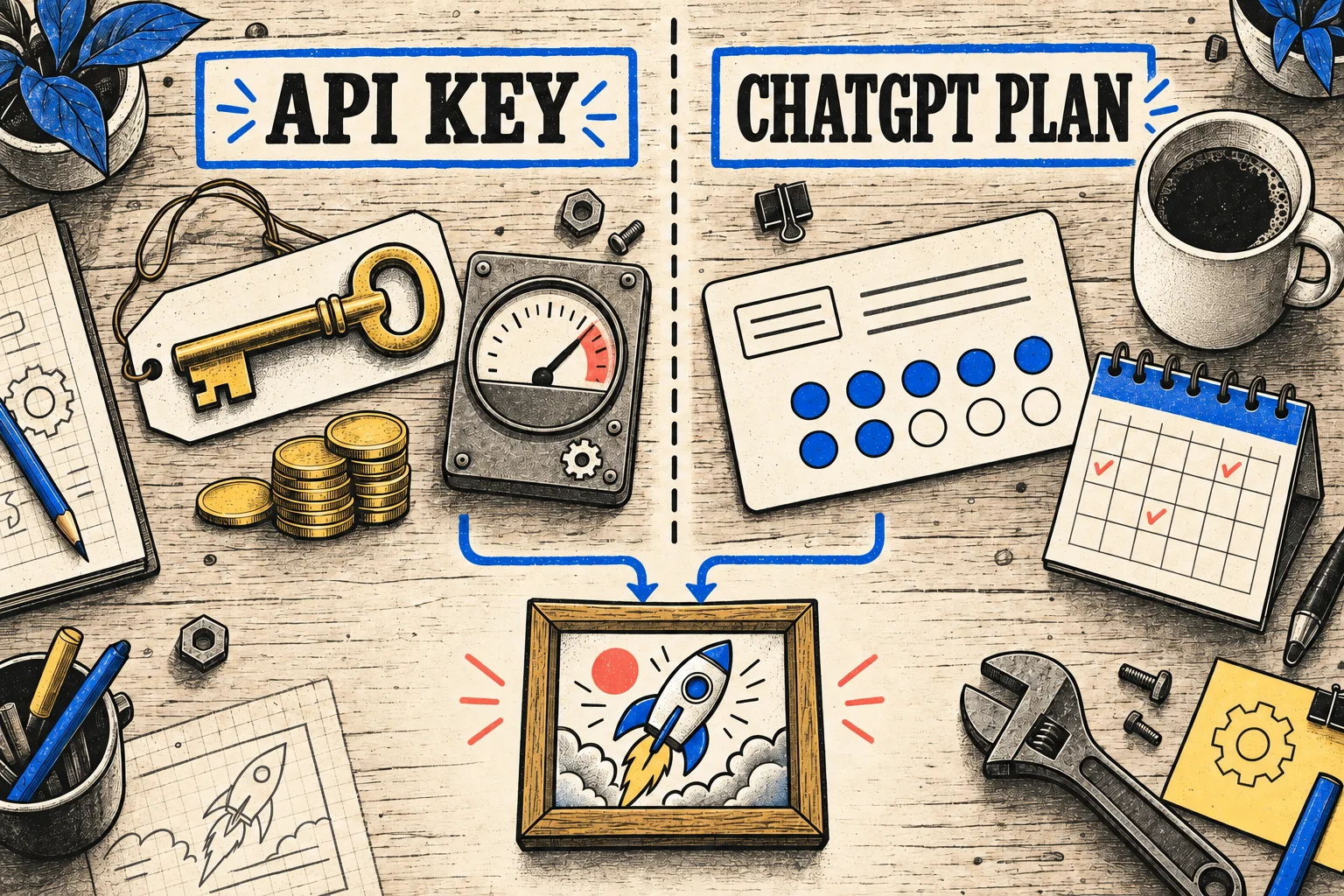
The headline feature isn't a filter or a flag — it's the billing model. pixeltamer runs on OpenAI's image models two ways, and one of them is already paid for: point it at the codex CLI signed into your ChatGPT Plus or Team account and generate straight off the plan you already have. No API key, no meter, no per-image bill at the end of the month.
- Everything runs on the plan — one-shot generation, four parallel variants, batch runs, masked inpaint, high-fidelity edits, 16-reference composition. The whole pipeline bills to ChatGPT, not to a new account.
- Transparent backgrounds included — as of v0.6.0 the codex backend produces real alpha: the flag becomes prompt instructions, the PNG's coverage gets measured, and an opaque result fails the run instead of shrugging. This used to be API-only.
- Teams stay clean — everyone signs in with their own ChatGPT account. No shared credentials, no shared invoice, no "who used the key last."
- Costs you already approved — images come out of the plan you pay monthly. A burst of twenty exploratory variants costs the same subscription fee as the one you actually shipped.
An OpenAI API key buys the fastest path and the last API-only corners — bigger canvases and 4K sizes. Same skill, same prompts, same output format either way. The only thing that changes is how you pay.
Now running gpt-image-2.5 (and honest about the trade)
gpt-image-2.5 shipped September 2026 as two variants, and v0.6.0 defaults to flare — the fast one, roughly half the latency of the older model at higher quality. Need surgical edits that don't wreck the parts you asked to keep? Point OPENAI_IMAGE_MODEL at sunburst, the precision tier. Same token rates for both, so the choice is about your workflow, not your wallet.
There's also --size 2K and --size 4K for when 1024px squares won't cut it, and --json structured output on every path out of the program — because the agents driving this thing shouldn't have to regex stdout.
Install in one line
npx skills add gabelul/pixeltamer-gpt-image-skillThat's the whole install — the skill is just files, and any agent that reads SKILL.md picks it up from there. Point it at an OpenAI API key or at the codex CLI logged into your ChatGPT plan, run pixeltamer doctor to confirm the wiring, and generate. The README has the full config, but most people never need it.
The part that keeps it honest: it checks its own work
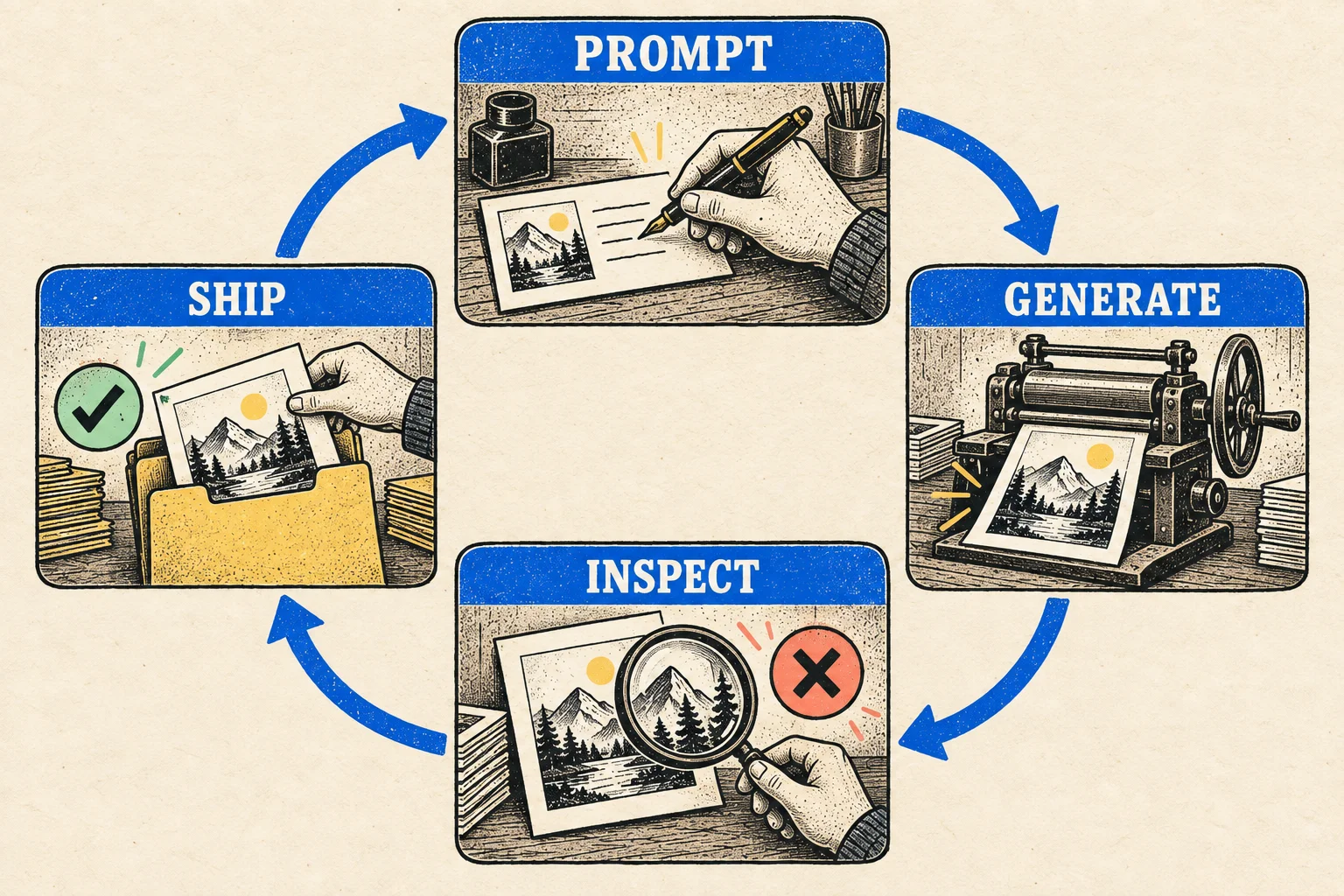
Image generation is stochastic. "The API call succeeded" tells you nothing about whether the image is what you asked for. So pixeltamer's rule is that every generated image gets loaded back and looked at before anyone claims success — checking that the subject matches, the text is spelled exactly as quoted, the composition is right, and there are no warped hands or glitched typography lurking in the corner.
And when it's wrong, it says so. No "here's your stunning generated masterpiece" over a picture with a six-fingered hand and a misspelled title. That kind of praise-language slop is exactly what pixeltamer is supposed to help kill — it'd be a bit rich to produce it. When something fails, the honest move is to change one thing in the prompt and regenerate, not to bolt on three more clauses and hope.
Since v0.6.0 that extends to transparency: ask for a transparent PNG and get an opaque one back, and the tool fails the run instead of shrugging.
It drew this whole brand
The "AI mangles text and misses brand colors" objection used to be real. As of the GPT Image 2.x line it mostly isn't — I've watched it render exact quoted headlines and near-exact brand hex cleanly, head-to-head against a hand-built HTML banner. Which is why pixeltamer isn't a toy in my workflow; it's the actual production tool behind the editorial illustrations on Booplex, the social cards, the mockups, the mascots. The long version of how it works — prompting doctrine, backend trade-offs, a full worked example — is in the write-up on the blog.
It's one of a small shelf of tools I've built for agents that care whether the machine got it right — alongside slopbuster for AI writing tells, pixelslop for visual design slop, and bpx-consult for a second opinion when a decision's hard. Different problems, same instinct: generate fast, then verify with evidence — don't just trust the machine because the output looks confident.
FAQ
Which AI coding agents can use pixeltamer?
Anything that reads a SKILL.md: Claude Code, Codex CLI, Pi, Cursor, OpenCode, and similar agent harnesses. The skill is plain files — the agent hosts the execution, pixeltamer handles the image plumbing.
Do I need an OpenAI API key?
No. The codex backend runs off an existing ChatGPT Plus or Team subscription with no separate billing. An API key buys you the fastest path and the full feature set — larger canvas sizes and high-fidelity edits — but it's optional.
Which image model does pixeltamer use?
gpt-image-2.5-flare by default as of v0.6.0 — the fast variant of OpenAI's current image family. Set OPENAI_IMAGE_MODEL=gpt-image-2.5-sunburst for the precision tier, or gpt-image-2 if you need the older model's behavior. Both 2.5 variants bill at the same token rates.
Can it produce transparent PNGs?
Yes, on both backends — and since v0.6.0 the alpha channel is actually measured before the tool claims success. Ask for a transparent background and get an opaque image back, and the run fails instead of handing you a useless file.
How much does it cost?
Generation is token-billed: gpt-image-2.5 charges $5 per 1M text tokens, $8 per 1M image input, $30 per 1M image output. On the codex backend, usage comes out of your existing ChatGPT plan instead. A typical one-shot illustration lands well under a dollar.